What happens to your file when you print with GotPrinter
People print exam forms, bank letters and ID copies. Here's exactly where your document goes, including the parts that aren't perfect.
The documents people print are often private. So instead of a vague promise, here’s exactly where your file goes when you send it to a GotPrinter outlet.
It goes to the outlet directly when it can
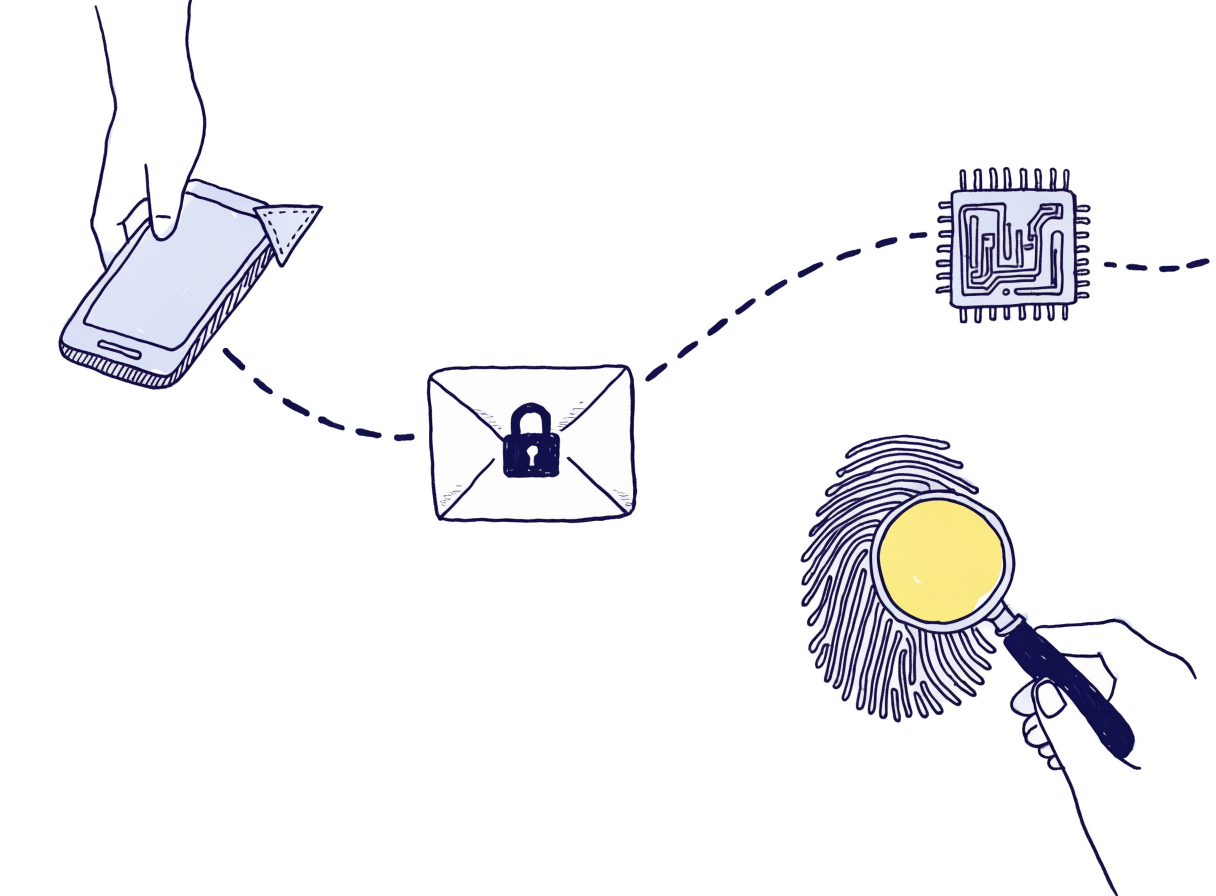
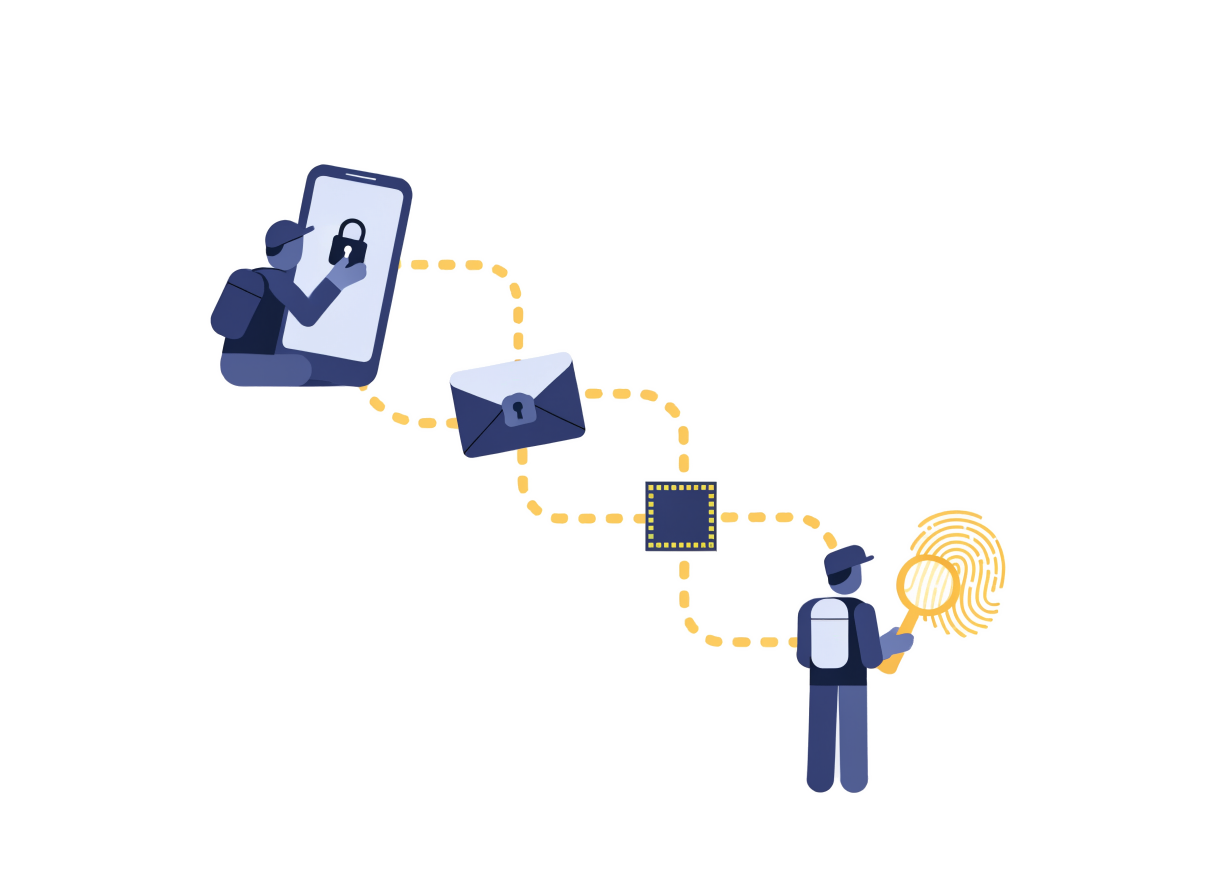
Your phone connects straight to the outlet’s computer. If the network won’t allow that within about 25 seconds, the file travels through our relay instead, encrypted with a key only your phone and the outlet’s computer hold. We can’t read it. The page tells you which way it went.
If it can’t be encrypted, it isn’t sent
The page tells you so. Your file is never sent through our relay unencrypted.
The outlet’s computer keeps it in memory, not in a folder
GotPrinter doesn’t save your document to the outlet’s disk. There are two exceptions we know of, and we’d rather tell you:
- Windows’ own print system keeps a temporary copy while a page is printing, as it does for anything printed.
- If a PDF is too unusual for our main renderer, the backup converter works from a temporary file.
Your phone holds a copy until it has printed
If the outlet’s computer restarts mid-job, your phone sends the file again rather than asking you to start over. The copy is cleared from your browser once the job is done.
We keep a fingerprint, not the document
It lets the outlet confirm that a resent file is the same one you sent. It can’t be turned back into your file.
Questions about your data? Read the full privacy policy or write to hello@gotprinter.com.