Set up your print outlet on GotPrinter in five steps
Stop collecting files on WhatsApp and USB sticks. Here's how to get customers sending jobs straight to your printer.
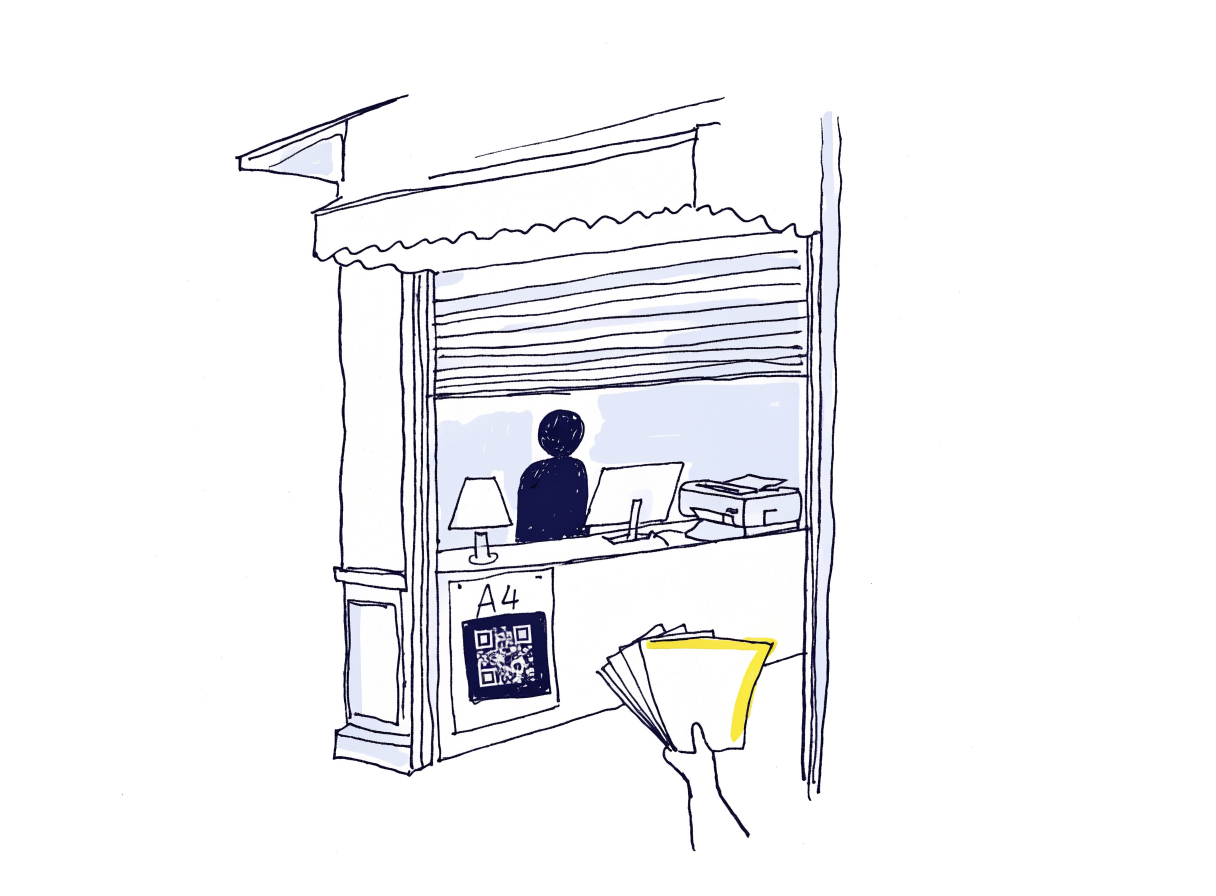
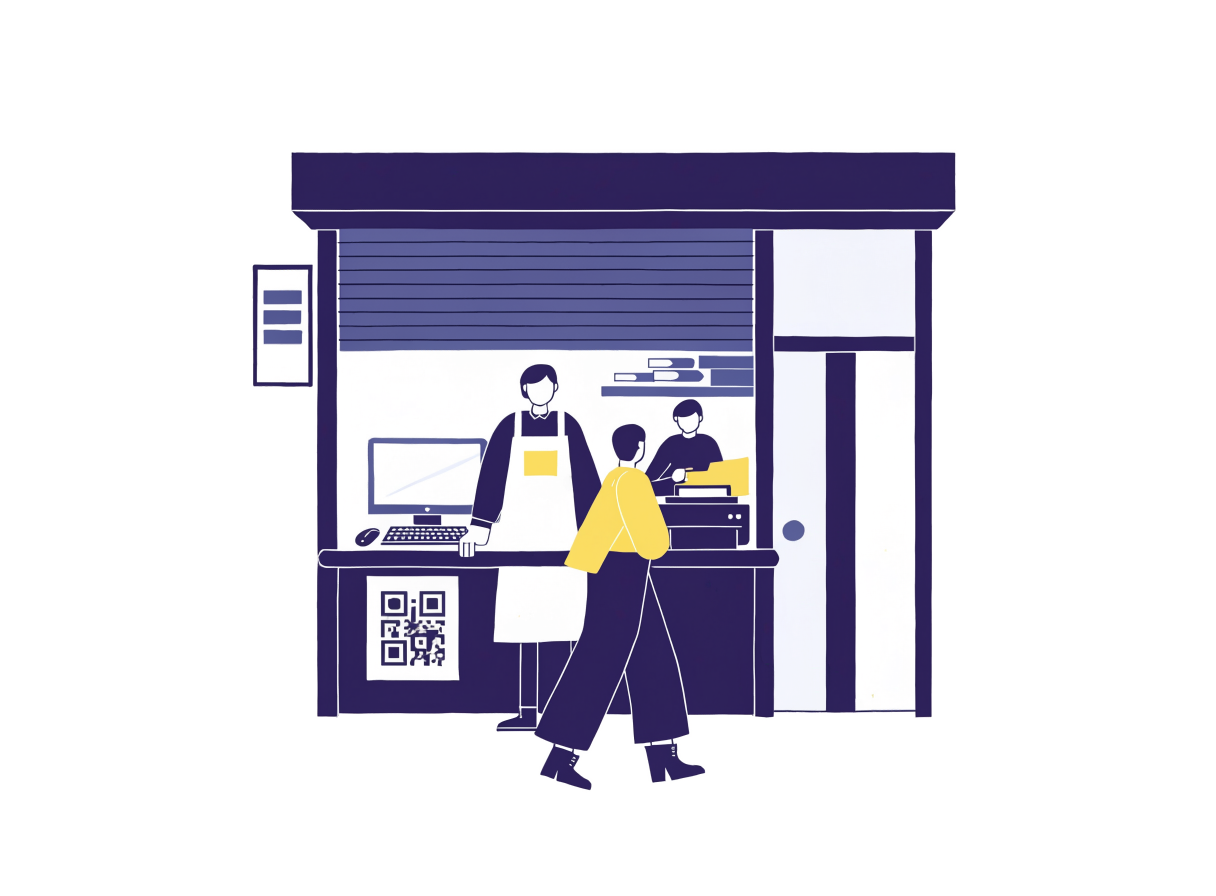
If your counter runs on “send it to my WhatsApp”, GotPrinter replaces that with a queue on your computer. Jobs arrive already priced at your rates. Setup takes one sitting.
What you need
- A 64-bit Windows PC (Windows 7 SP1 or later) that stays on while you’re open
- Administrator access on that PC, once, to install
- A printer that already prints from that PC
- An internet connection
The five steps
- Create your partner account at partner.gotprinter.com with your phone number or email. You sign in with a one-time code each time; there’s no password.
- Install the app on the computer the printer is connected to, by USB or over the network. Download it here. It finds the printers Windows already knows about.
- Sign in and choose your outlet code. Pick something short people can type, like
cityprint. It becomes your page: print.gotprinter.com/cityprint. - Print your poster. The app prints an A4 poster with your QR code and outlet code. Put it where customers queue.
- Set your prices in the partner portal: black and white and colour, one-sided and two-sided. Customers see your price before they send.
Once you’re running
- A queue you can see. Every job shows its pickup token, its settings and how far along it is.
- More than one printer. Customers can choose, so colour and black-and-white can be separate machines.
- Two-sided on any printer. If a printer can’t do both sides by itself, the app walks you through turning the stack over.
- Jams and restarts don’t lose jobs. The app shows what still needs printing.
What it costs
You can try it free for 30 days on 1 computer and 2 printers, starting once we approve your account. After that, choose a plan, or your printer simply pauses. Nothing is deleted. See pricing for the plans.
Ready? Create your partner account and you can take your first job today.